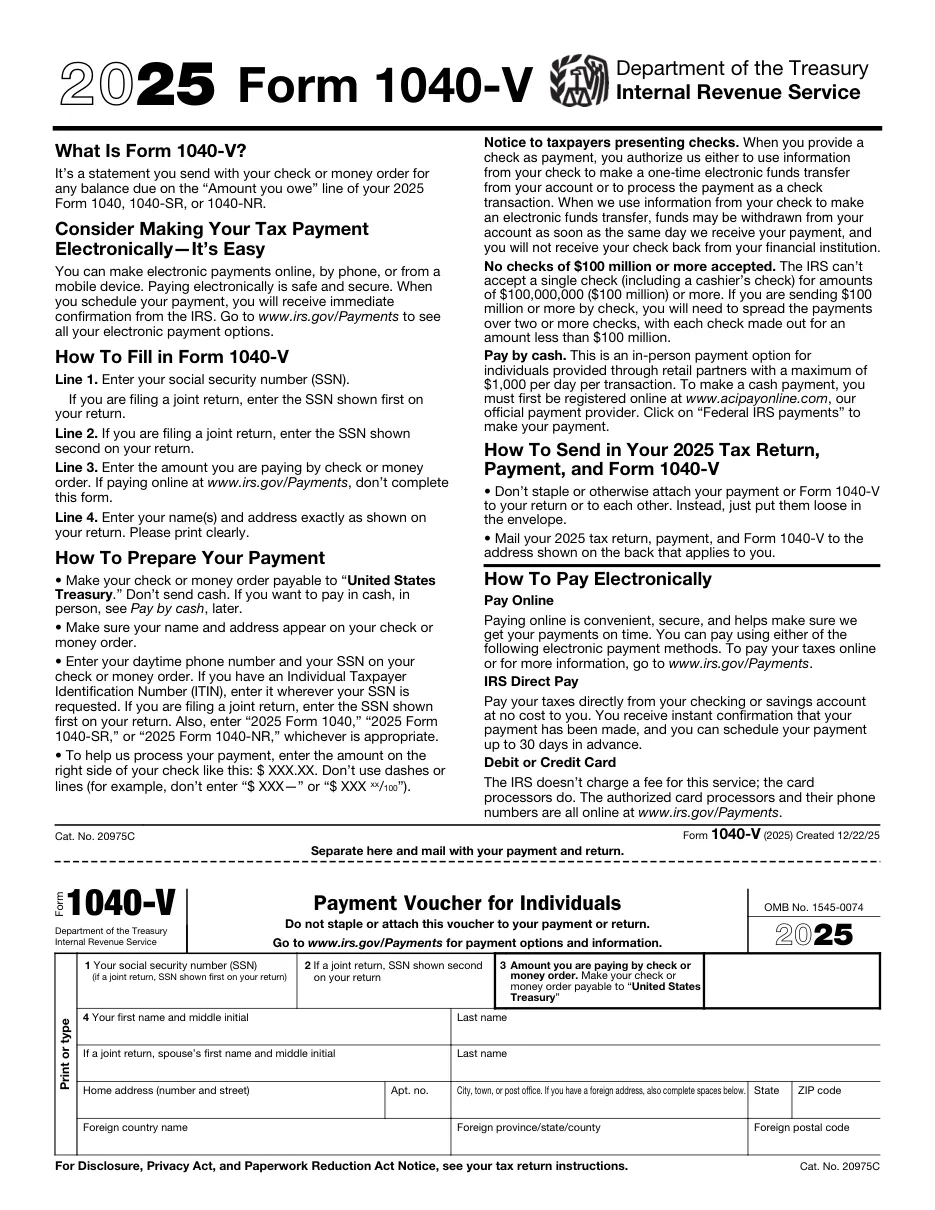
Form 1040-V: Payment Voucher
A one-page voucher you send with a check or money order when paying a balance due on Form 1040. It helps the IRS credit your payment correctly.
Easy PDF filling and editing
- Fill out forms in your browser without installing software
- Files are processed on our own server and not shared with third parties
- Instant export of the completed document in PDF format
Instructions for filling out Form 1040-V: Payment Voucher
This template is used for official filing and documentation. Below are detailed instructions for completing, requirement details, and submission rules.
Who needs to fill out this document?
This form is designed for use by legal entities, individuals, or authorized representatives in the following cases:
- Taxpayers paying a balance due by check.
- People filing a paper return with a payment.
- E-filers mailing a separate payment.
What you will need before starting
Before filling out the interactive form, prepare the following details and documents:
Step-by-step filling process
- Enter SSN and amount: Lines 1-3.
- Enter name and address: Line 4.
- Prepare the check: Write your name, address, SSN, tax year and 'Form 1040' on it.
- Mail without stapling: Mail to the address for your state in the instructions.
Frequently Asked Questions (FAQ)
Do I have to pay by check?
No. Paying online through Direct Pay, EFTPS or your IRS account is faster.
Should I staple the voucher?
No. Put the voucher and check loose in the envelope.
Can I use it for estimated payments?
No. Use the vouchers from Form 1040-ES.
Ready to fill out Form 1040-V: Payment Voucher?
Open the editor, enter the required details, and download your document in a couple of minutes.
Proceed to fill out →